

Welcome to chrt
Choose a workflow and find the setup, order, driver, and tracking guides for your organization.
chrt brings order coordination, driver work, proof and tracking into one workspace. Start with the organization and workflow you are responsible for.
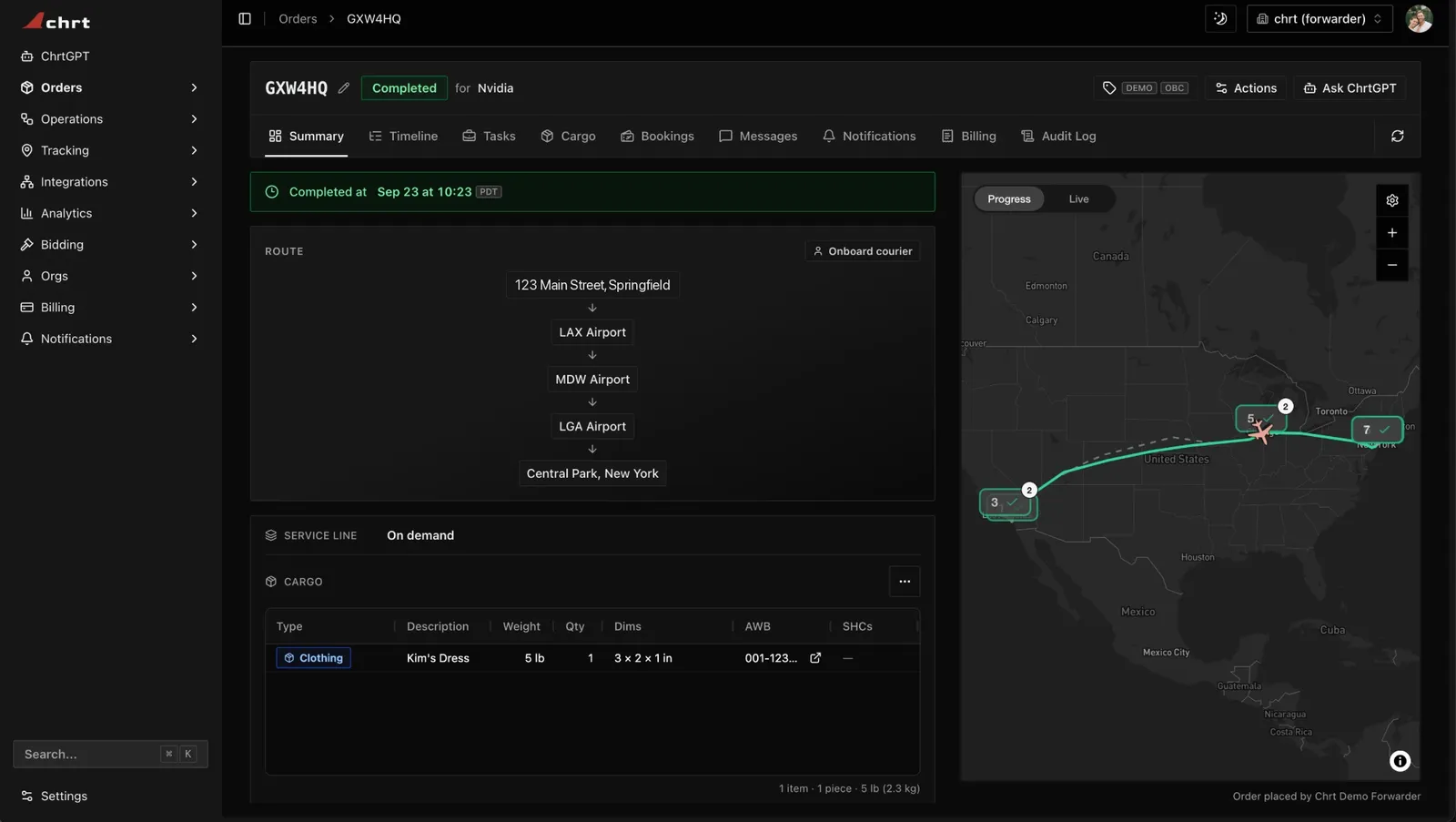
A completed order on its Summary tab.
Choose a guide
- Couriers: customer orders, assignment, driver work and proof.
- Shippers: coordinate shipments with providers and inspect shared results.
- Freight forwarders: coordinate ground, flight and hand-carry work.
- Driver app: assigned work, proof, location controls and sync status on iPhone or Android.
- Trackers: supported physical devices and tracking views. Registration, cargo association and receipt of telemetry are separate checks.
Get started
- Create or select the correct organization.
- Choose Shipper or Provider.
- Review your role, invite the appropriate teammates and complete the setup guides.
- Create a draft, review its cargo and configured work, then stage and reopen the saved order before assigning or executing it.
The information available depends on your organization, role and relationship to the order. A visible preview or success message alone does not confirm a saved assignment, proof or tracking result.
Reference
Use Orders, Roles, Connections and Tracking for the shared concepts. Find integration schemas in the API reference and review SDK guidance before choosing a version or environment.
Read the current security and privacy sources for policy questions. Contact support with the relevant reference and error.